Streaming LangGraph state updates to the browser in real time
AK
Ahad KhanAI Engineer
July 15, 2026
3 min read
LangGraphFastAPISSEPython
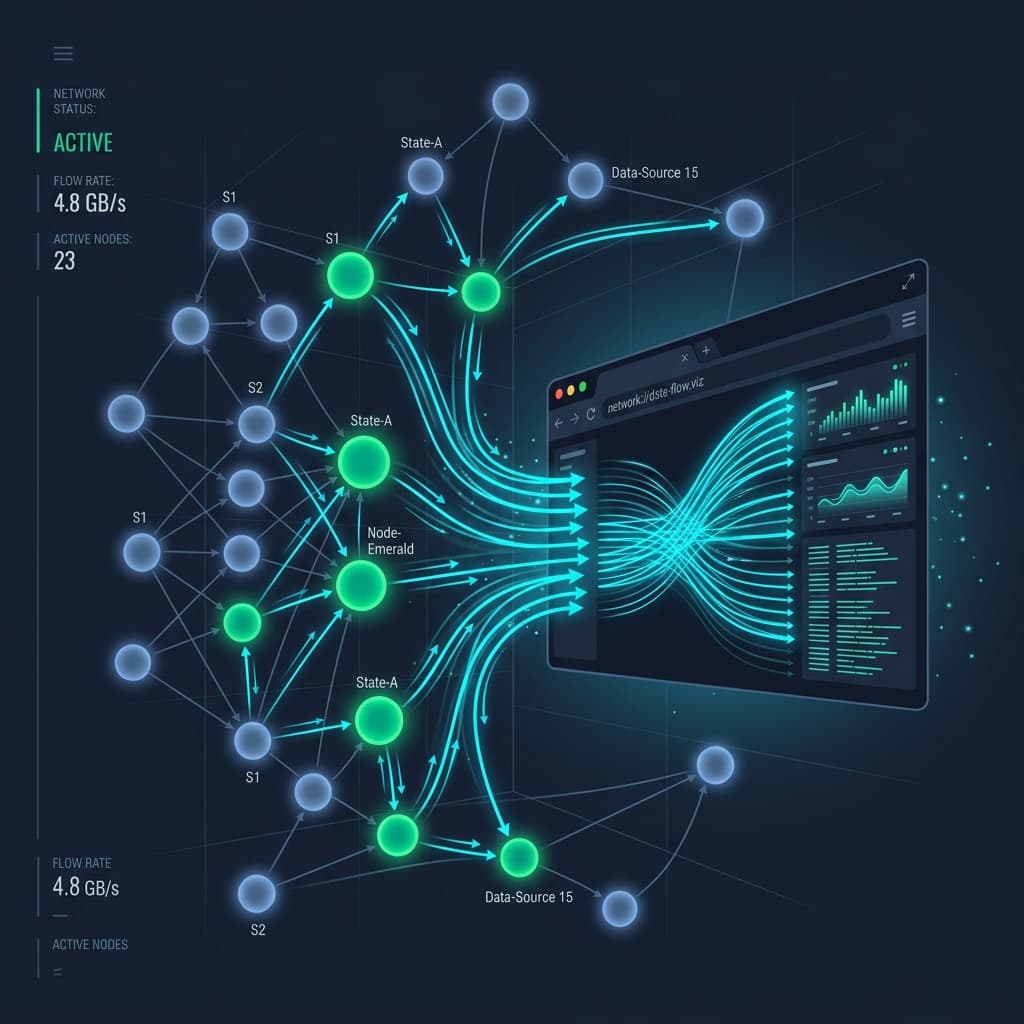 Click to expand
A multi-agent LangGraph workflow ran for 38 seconds. The user stared at a static loading spinner. Thinking the app had crashed, they hit refresh, killing the execution mid-way and leaving an orphaned state checkpoint in PostgreSQL.
This UX failure happens when agent backends treat long-running workflows as synchronous HTTP request/response cycles.
WebSockets are the typical reflex, but bidirectional socket infrastructure introduces heartbeats, reconnection state management, and firewall proxy issues. Server-Sent Events (SSE) provide a simpler alternative: a unidirectional, HTTP-native stream supported natively in every browser via the EventSource API.
Here is how to stream real-time LangGraph state updates to a browser UI using FastAPI async generators.
When an agent graph executes, telemetry flows in one direction: from server to client. The browser does not need to push continuous socket messages back to the server while a node is running.
| Feature | Server-Sent Events (SSE) | WebSockets |
|---|---|---|
| Protocol | Standard HTTP (text/event-stream) | WS / WSS protocol upgrade |
| Direction | Server-to-client (Unidirectional) | Bidirectional |
| Auto-Reconnect | Built-in native browser support | Custom JS handling required |
| Proxy / Firewall | Works out of the box on port 80/443 | Frequently blocked by corporate proxies |
| Implementation | ~30 lines of standard Python | Requires dedicated socket server |
For agent execution feeds, SSE delivers lower infrastructure overhead and cleaner code.
FastAPI supports SSE via StreamingResponse. We wrap LangGraph's .astream_events() method in an async generator that yields formatted data streams.
1import json2import asyncio3from fastapi import FastAPI, HTTPException4from fastapi.responses import StreamingResponse5from langchain_core.messages import HumanMessage6from my_agent_graph import graph  # Compiled LangGraph StateGraph instance7
8app = FastAPI()9
10async def event_generator(query: str, thread_id: str):11    """12    Executes a LangGraph workflow and streams state node execution events to the client.13    """14    config = {"configurable": {"thread_id": thread_id}}15    initial_input = {"messages": [HumanMessage(content=query)]}16
17    try:18        # Stream events from LangGraph v0.2+ execution graph19        async for event in graph.astream_events(initial_input, config=config, version="v2"):20            event_kind = event["event"]21            node_name = event.get("name", "graph")22
23            # Filter for specific events to avoid streaming internal verbose noise24            if event_kind == "on_chain_start" and node_name != "LangGraph":25                payload = {26                    "type": "NODE_START",27                    "node": node_name,28                    "timestamp": asyncio.get_event_loop().time()29                }30                yield f"data: {json.dumps(payload)}\n\n"31
32            elif event_kind == "on_chain_end" and node_name != "LangGraph":33                # Extract output state diff if present34                output_data = event.get("data", {}).get("output", {})35                payload = {36                    "type": "NODE_END",37                    "node": node_name,38                    "summary": str(output_data)[:200]  # Truncate summary payload39                }40                yield f"data: {json.dumps(payload)}\n\n"41
42            elif event_kind == "on_chat_model_stream":43                # Stream individual token deltas as the LLM generates44                chunk = event["data"]["chunk"].content45                if chunk:46                    payload = {"type": "TOKEN_DELTA", "content": chunk}47                    yield f"data: {json.dumps(payload)}\n\n"48
49        # Signal completion50        yield f"data: {json.dumps({'type': 'COMPLETE'})}\n\n"51
52    except Exception as e:53        error_payload = {"type": "ERROR", "message": str(e)}54        yield f"data: {json.dumps(error_payload)}\n\n"55
56@app.get("/api/agent/stream")57async def stream_agent_execution(query: str, thread_id: str):58 return StreamingResponse(59 event_generator(query, thread_id),60 media_type="text/event-stream",61 headers={62 "Cache-Control": "no-cache",63 "Connection": "keep-alive",64 "X-Accel-Buffering": "no" # Prevents Nginx response buffering65 }66 )The browser's native EventSource API handles stream consumption and automatic reconnection:
1function connectAgentStream(query, threadId) {2  const url = `/api/agent/stream?query=${encodeURIComponent(query)}&thread_id=${threadId}`;3  const eventSource = new EventSource(url);4
5  eventSource.onmessage = (event) => {6    const data = JSON.parse(event.data);7
8    switch (data.type) {9      case "NODE_START":10        console.log(`[Executing Node]: ${data.node}`);11        updateTimelineUI(data.node, "running");12        break;13
14      case "NODE_END":15        console.log(`[Completed Node]: ${data.node}`);16        updateTimelineUI(data.node, "completed");17        break;18
19      case "TOKEN_DELTA":20        appendLLMTokenToUI(data.content);21        break;22
23      case "COMPLETE":24        console.log("Agent execution finished cleanly.");25        eventSource.close();26        break;27
28      case "ERROR":29        console.error("Stream error:", data.message);30        eventSource.close();31        break;32    }33  };34
35 eventSource.onerror = (err) => {36 console.error("EventSource failed:", err);37 eventSource.close();38 };39}NODE_START, NODE_END, TOKEN_DELTA) and let the UI fetch final detailed state from the checkpoint store."X-Accel-Buffering": "no" in HTTP headers ensures proxies flush events to the browser immediately.PostgresSaver in LangGraph maintains state. When the user reconnects, fetch current state via graph.get_state(config) and resume streaming uninterrupted progress.This architecture is used in our IT Access Provisioning Automation case study to provide real-time visibility into multi-node agent triage.
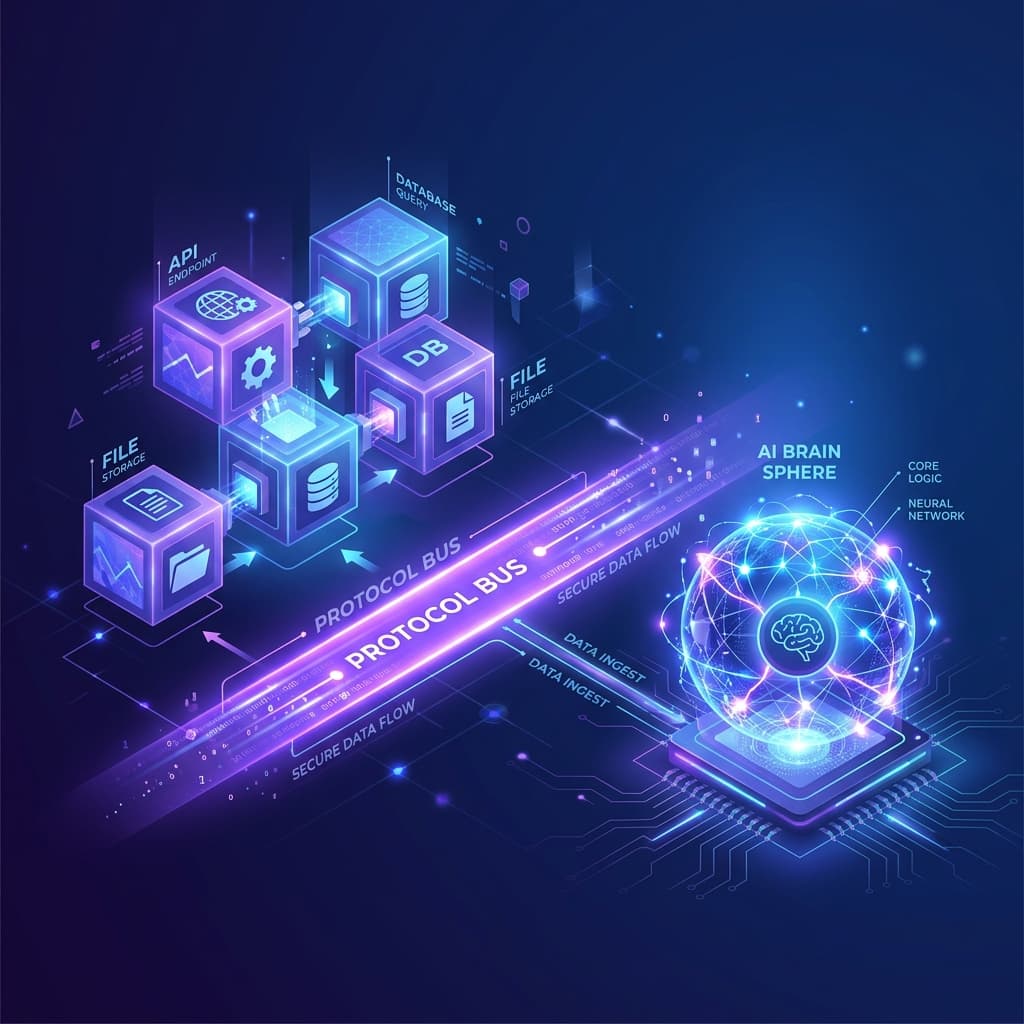
Every AI agent team eventually writes the same glue code: a tool registry, a schema validator, a context injector. Model Context Protocol replaces all of it with a standard your agent runtime already speaks.
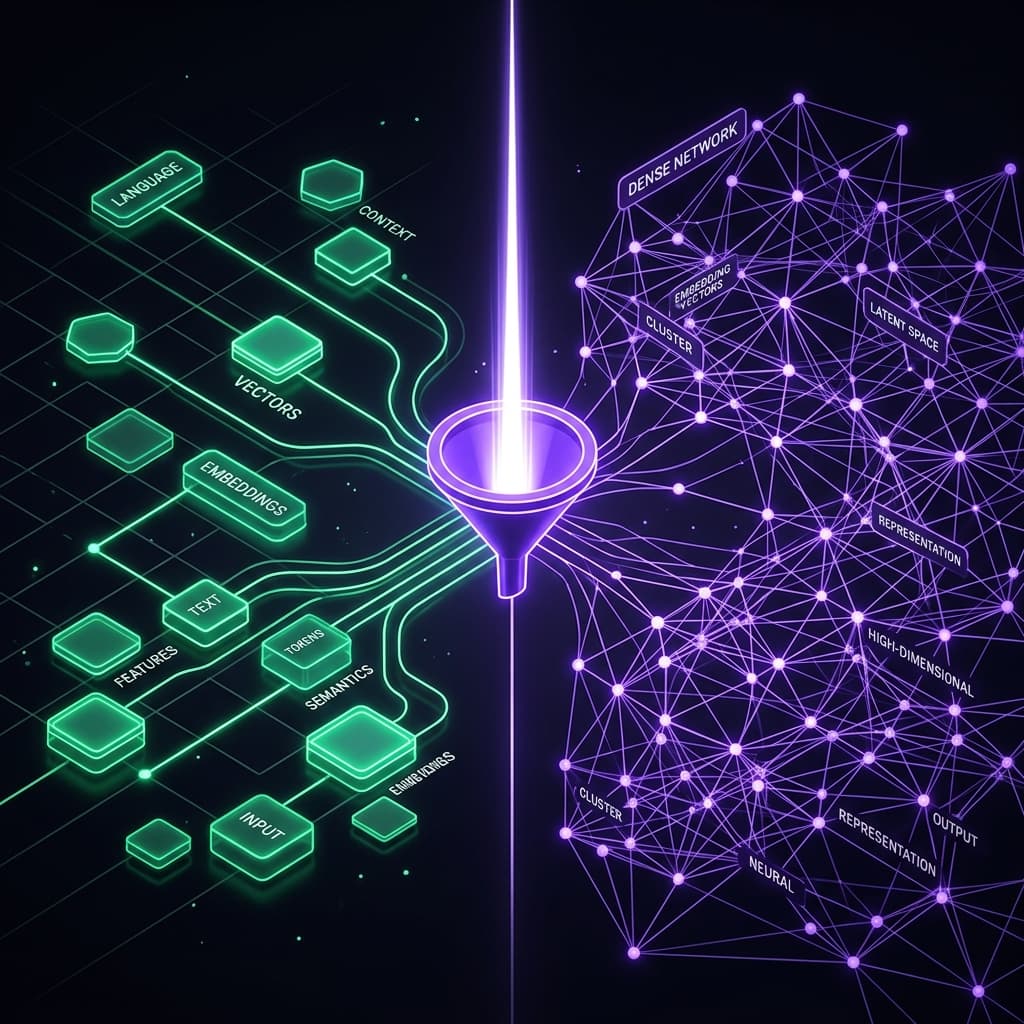
Vector search fails on exact product codes, acronyms, and part numbers. Learn how combining BM25 keyword matching with dense vectors using Reciprocal Rank Fusion (RRF) and cross-encoder reranking boosts retrieval precision by +23%.
Basic vector search fails in production. Learn how we engineered a multi-stage RAG pipeline with hybrid search, re-ranking, and agentic loops to achieve 90%+ accuracy.